Click the Button on This Page
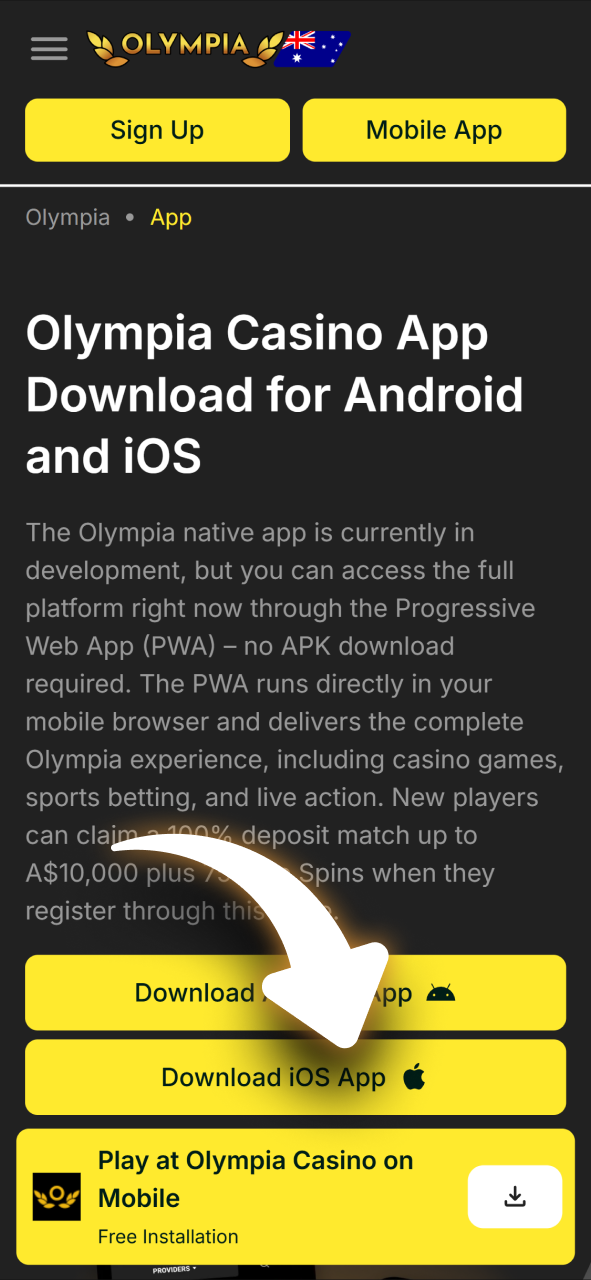
Tap the “Download Android App” button on this page. It will take you directly to the Olympia mobile site, which is optimised for Android browsers including Chrome and Firefox.
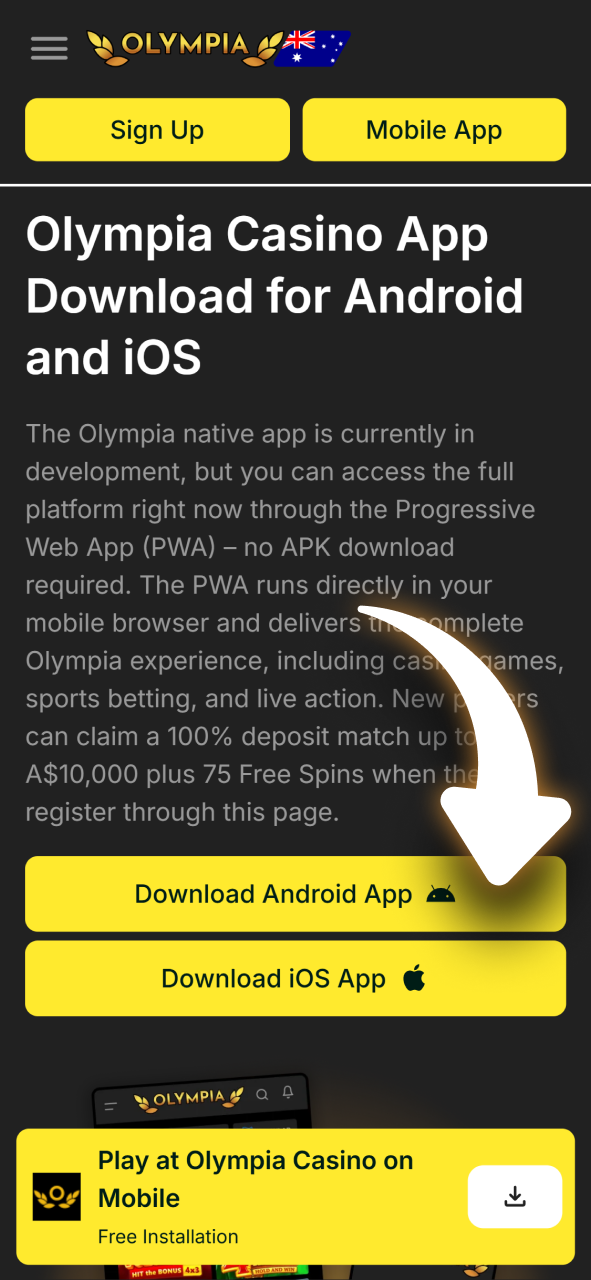
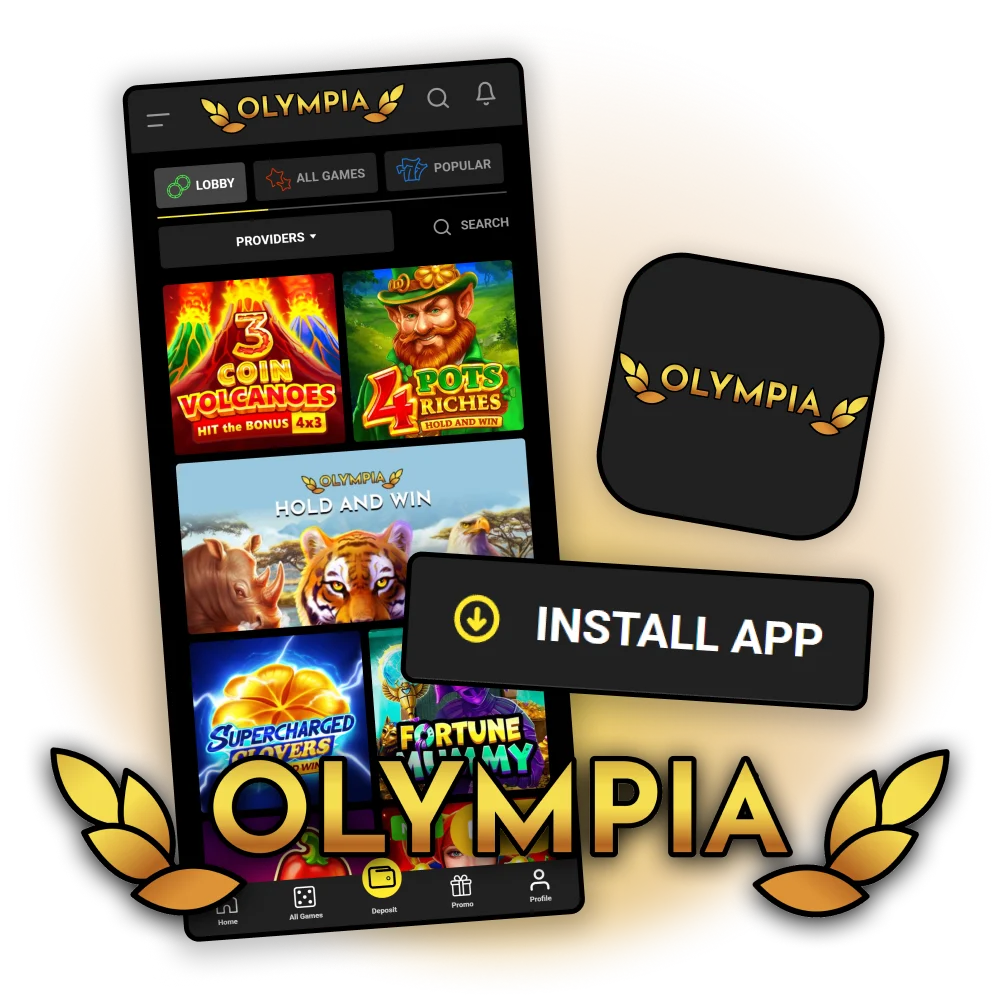
The Olympia native app is currently in development, but you can access the full platform right now through the Progressive Web App (PWA) – no APK download required. The PWA runs directly in your mobile browser and delivers the complete Olympia experience, including casino games, sports betting, and live action. New players can claim a 100% deposit match up to A$10,000 plus 75 Free Spins when they register through this page.
The Olympia platform is built for Australian players who want quick access to real-money gaming on mobile. Below is a summary of the key specifications for the current PWA version.
| App Type: | Progressive Web App (PWA) |
| Native App Status: | In development (no APK available yet) |
| App Size: | No installation storage required |
| Promo Code: | Yes |
| Supported Languages: | English |
| Payment Methods: | Visa, Mastercard, MiFinity, EcoPayz, eZeeWallet, AstroPay, CoinsPaid |
| Minimum Deposit: | A$20 |
| Licence: | Tobique Gaming Commission |
| Customer Support: | 24/7 Live chat, email |
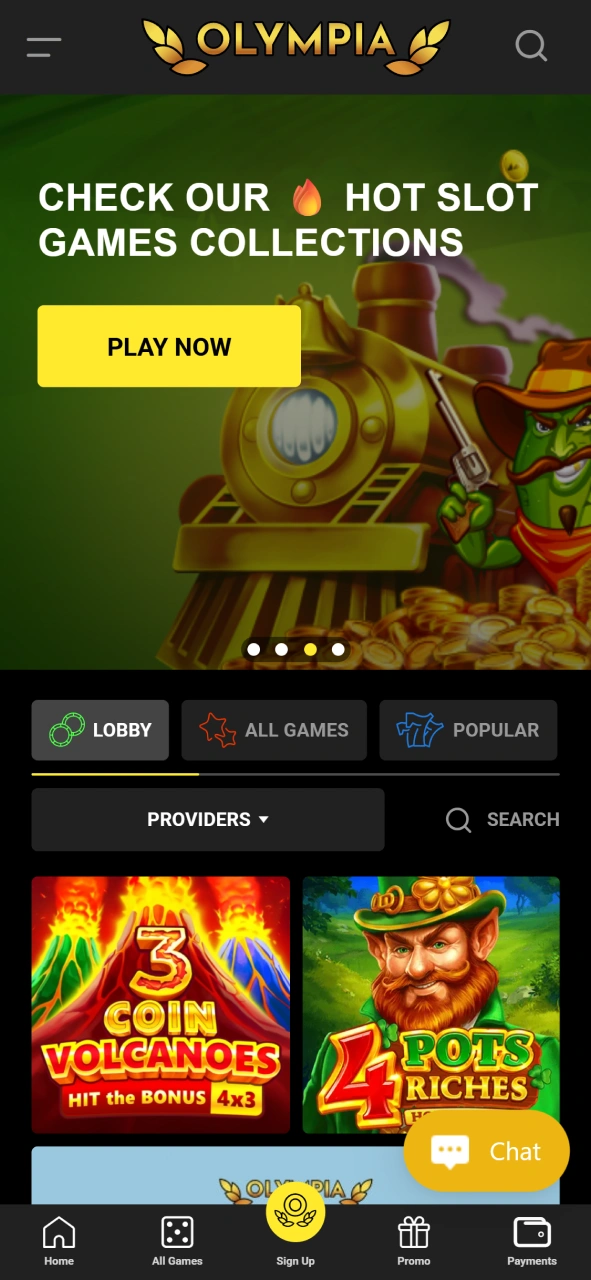
The Olympia mobile interface is clean, fast-loading, and structured so you can navigate between the casino, sportsbook, and account sections without confusion. Every key action – depositing, placing a bet, or claiming a bonus – is accessible within two taps from the home screen.
Since the native Android APK is still in development, you can access Olympia instantly through the PWA in your mobile browser. Follow these three steps to get started.
Tap the “Download Android App” button on this page. It will take you directly to the Olympia mobile site, which is optimised for Android browsers including Chrome and Firefox.
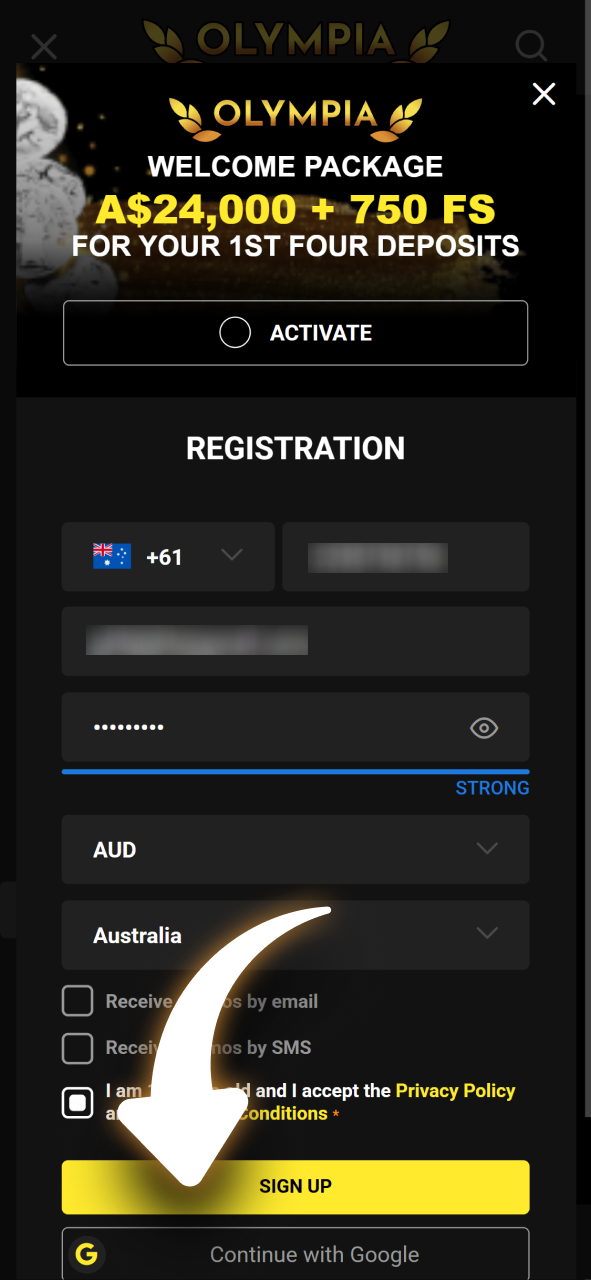
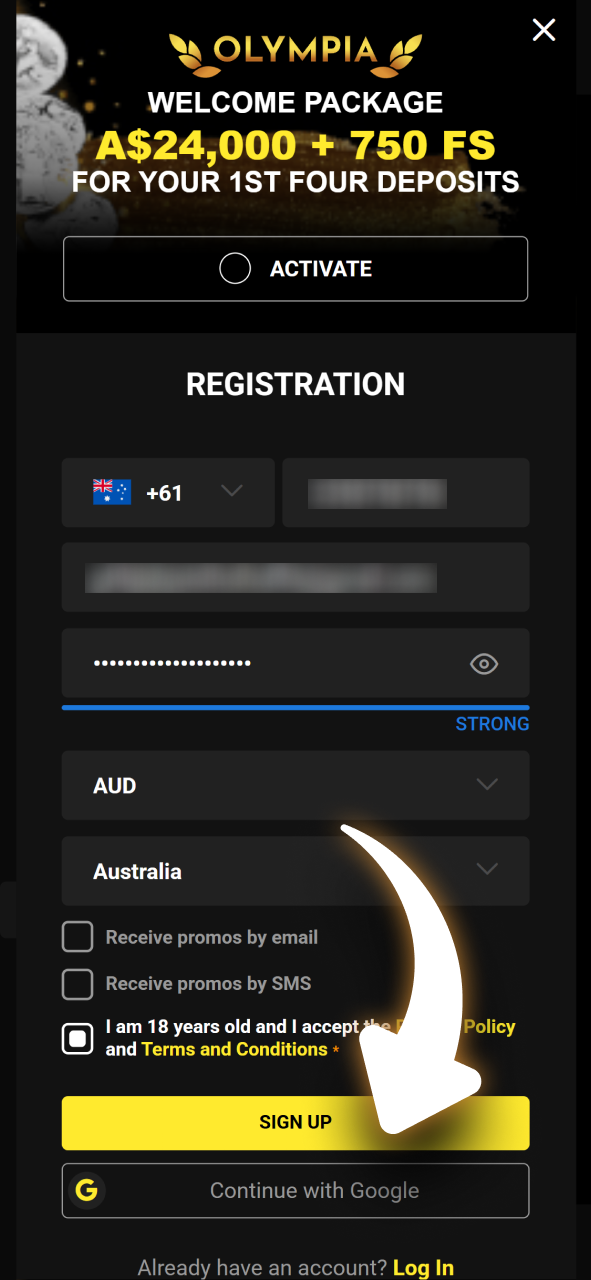
Complete the registration form with your name, email address, date of birth, and preferred currency. The process takes under two minutes. Once done, your account is ready to use immediately.
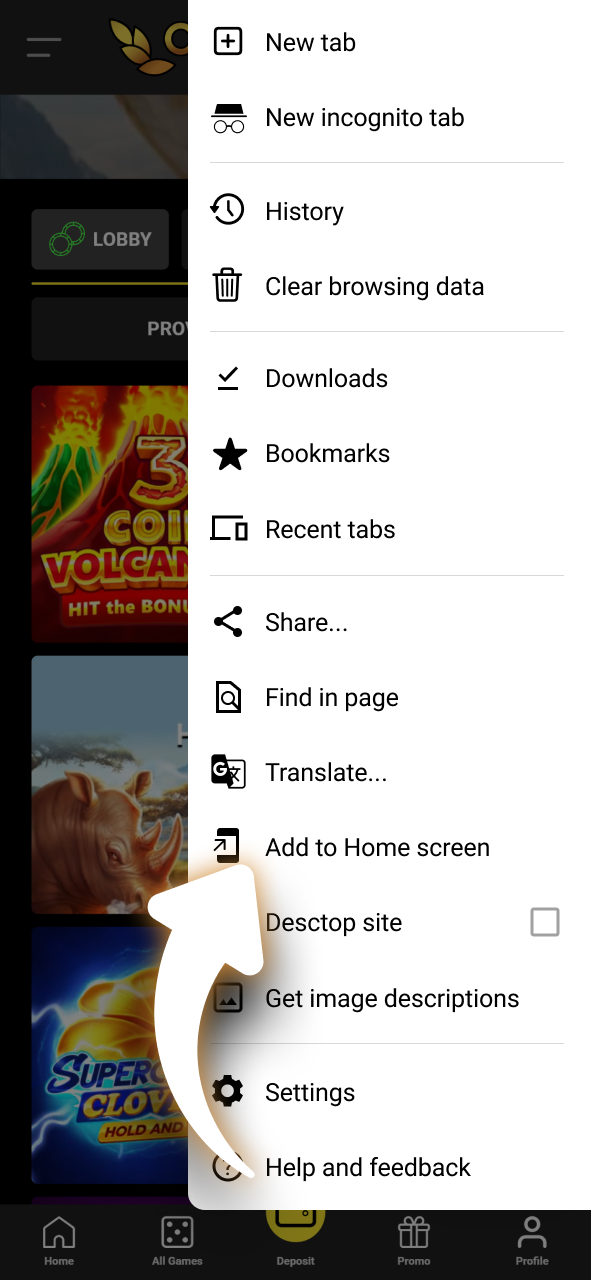
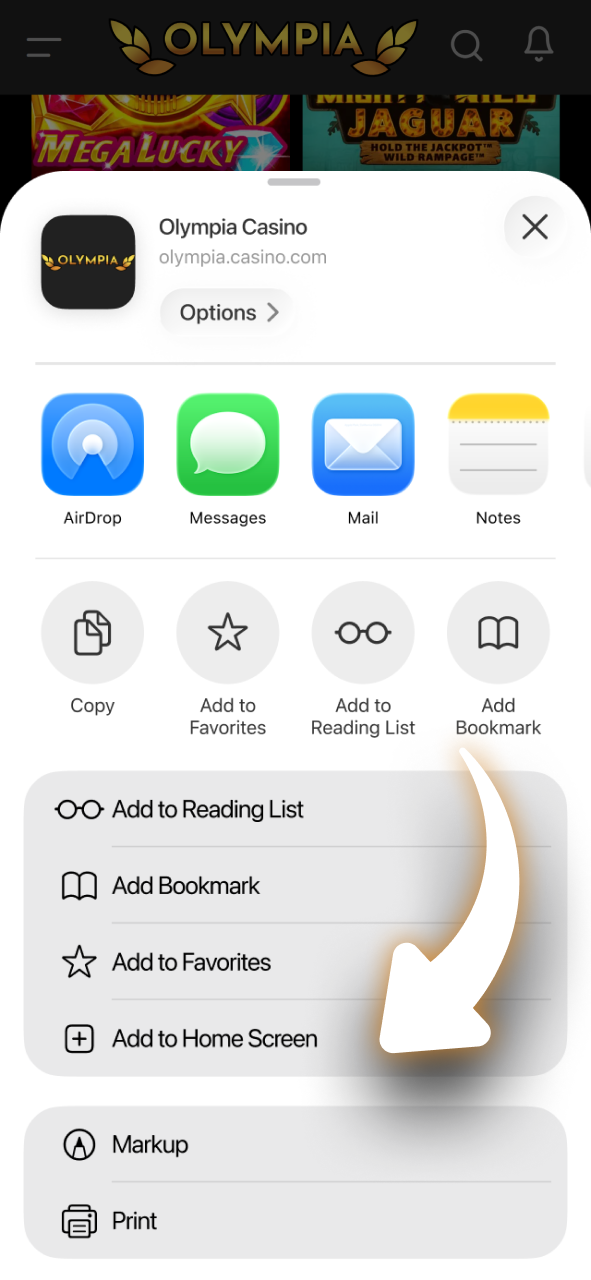
The PWA loads in your browser like any website, but behaves like an app. You can add a shortcut to your Android home screen by tapping the browser menu and selecting “Add to Home Screen” for faster access next time.
Because Olympia runs as a PWA through your browser, you do not need to install anything. The requirements below reflect what your Android device needs to run the platform without issues.
| Requirement | Minimum Specification |
|---|---|
| Operating System | Android 8.0 (Oreo) or higher |
| CPU Frequency | 1.8 GHz (dual-core or higher) |
| RAM | 2 GB |
| Browser | Chrome 89+, Firefox 87+, or equivalent |
| Storage | No app storage needed; 100 MB free for cache recommended |
| Internet | Stable 4G or Wi-Fi connection |
The following Android devices meet the minimum requirements and are confirmed to run the Olympia PWA without performance issues:
On iPhone and iPad, Olympia is available through the PWA in Safari. Adding it to your home screen gives you an experience very close to a native app. Follow the four steps below.
Tap the “Download for iOS” button on this page. It will open the Olympia mobile site in your Safari browser, which is required for adding a PWA shortcut on iOS.
Fill in the registration form with your personal details and set a strong password. Your account will be active instantly after email verification.
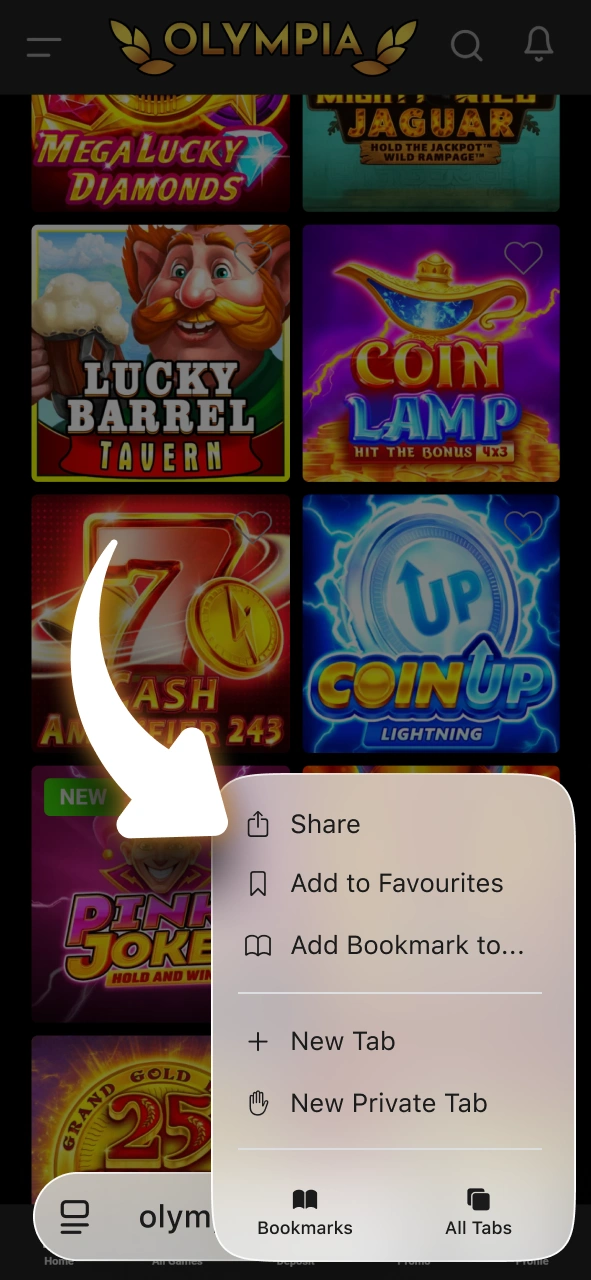
Once the Olympia site has loaded, tap the Share icon at the bottom of the Safari browser. It looks like a square with an arrow pointing upward.
From the share menu, select “Add to Home Screen” and confirm the name. The Olympia shortcut will appear on your iPhone or iPad home screen, giving you one-tap access to the platform at any time.
Olympia’s PWA on iOS runs through Safari without any download. The table below outlines what your iPhone or iPad needs to run the platform correctly.
| Requirement | Minimum Specification |
|---|---|
| Operating System | iOS 14.0 or higher |
| Processor | Apple A12 Bionic or higher |
| RAM | 2 GB |
| Browser | Safari (required for PWA on iOS) |
| Storage | No app storage needed; 100 MB free for cache recommended |
| Internet | Stable 4G, 5G, or Wi-Fi connection |
The following Apple devices run iOS 14 or higher and are fully supported for the Olympia PWA:
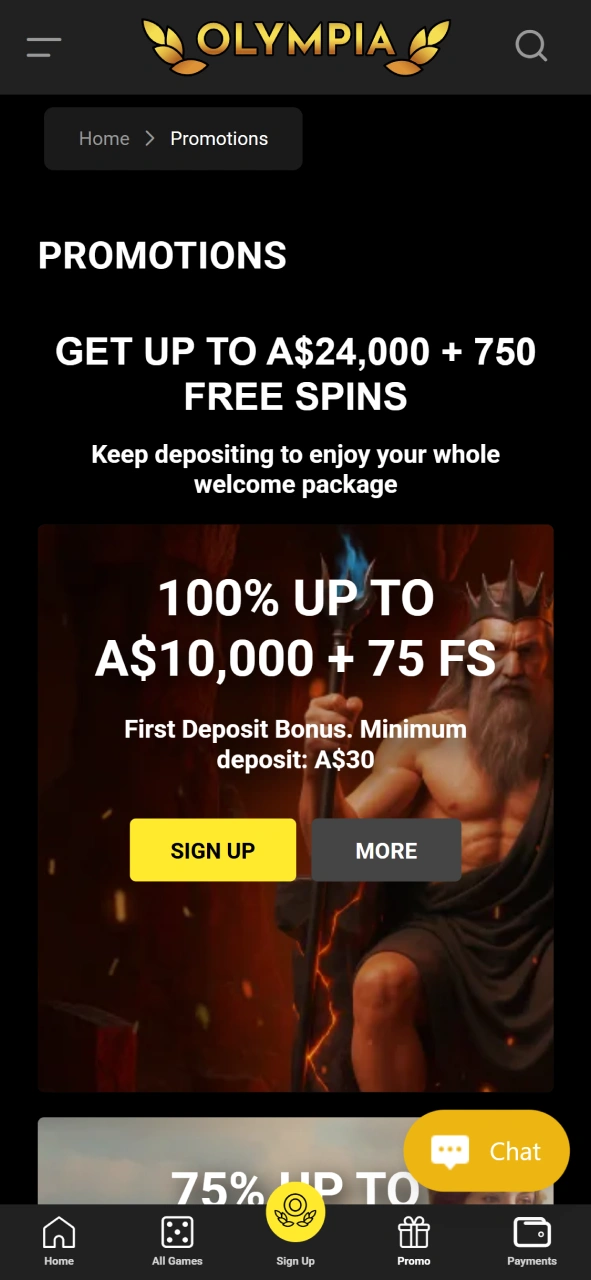
Once you register and make your first deposit through the Olympia mobile, you become eligible for the welcome offer. The Olympia bonus is available to new Australian players and applies to casino section.
All bonuses are subject to standard wagering requirements. Review the terms and conditions on the promotions page before claiming.
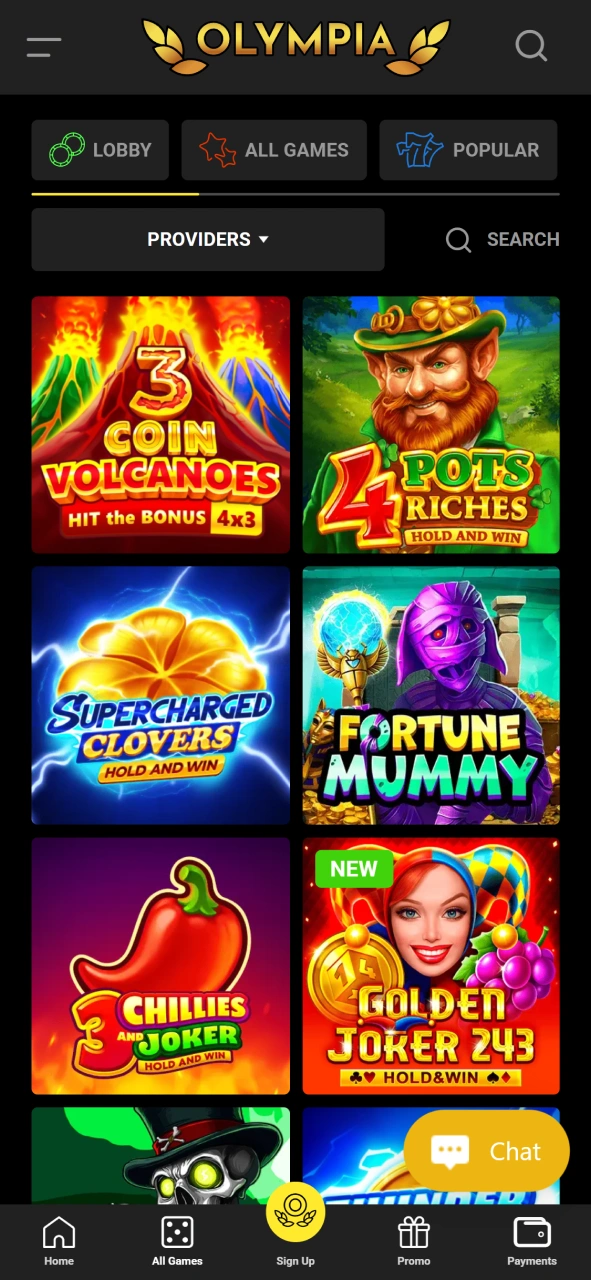
Olympia’s casino library is extensive, covering all major categories with titles from established providers including Pragmatic Play, Evolution Gaming, NetEnt, and Play’n GO. The mobile version loads games directly in the browser with no additional software needed.
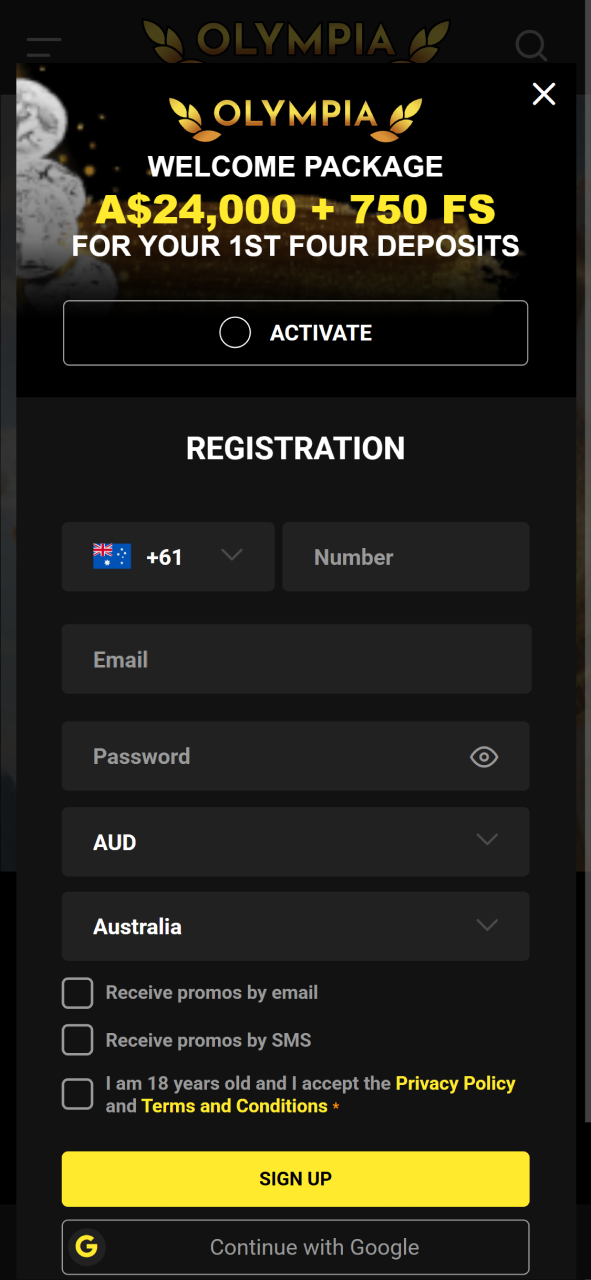
Registering on Olympia through mobile is straightforward and takes under two minutes. Complete the steps below to get your account active.
Because Olympia currently operates as a PWA through your mobile browser, there are no manual updates required. Every time you open the platform, you are automatically accessing the latest version. New features, game additions, and security improvements are applied on the server side and pushed to all users instantly. You will never need to visit an app store, download an update file, or reinstall the platform. The version you access today is always current.
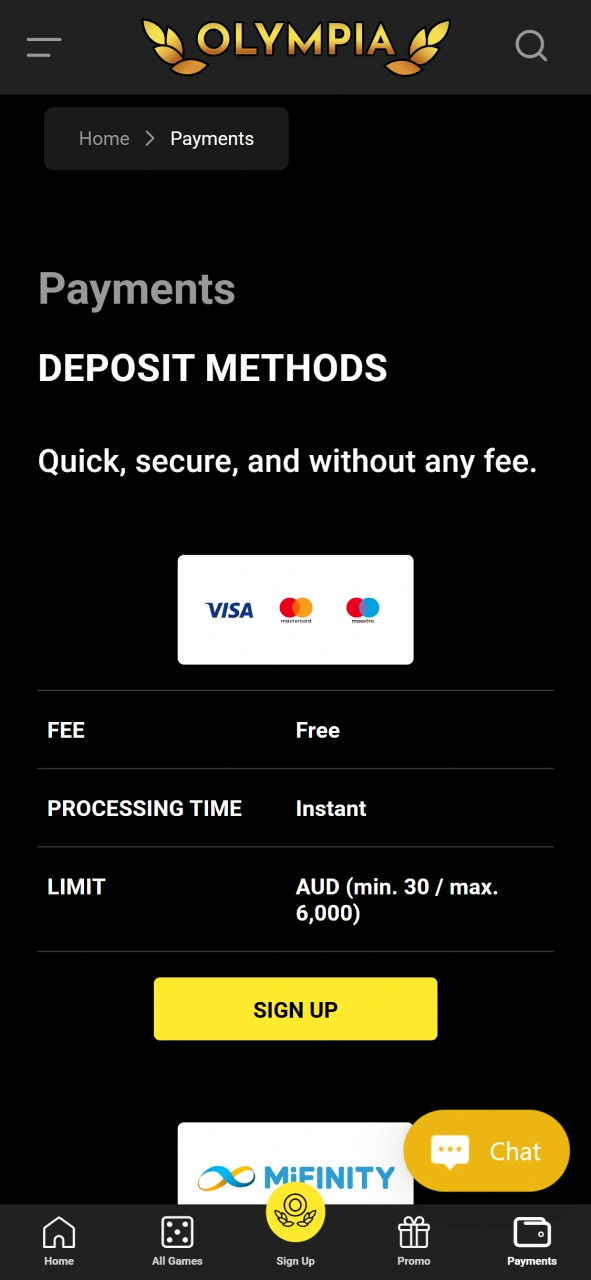
Olympia supports a range of payment options suited to Australian players, with a minimum deposit of A$30 and a minimum Olympia withdrawal of A$20. Maximum transaction limits vary by method and are displayed at checkout.
Olympia has been built with Australian players in mind, and several features of the platform stand out compared to other mobile betting options in the market.
Olympia provides multiple channels for player support, available 24 hours a day, seven days a week.
| Support Channel | Details |
|---|---|
| Live Chat | Available directly on the Olympia site and mobile platform. Typical response time is under two minutes |
| Submit a detailed query via the contact form or support email address. Responses are generally provided within 24 hours | |
| FAQ / Help Centre | A self-service section on the site covers common topics including account verification, bonuses, deposits, and withdrawals |
The Olympia Casino PWA is a web app that works like a native app but runs directly in your browser. It’s designed to give you quick, smooth access to casino games and features without needing to download or install anything from an app store.
To install the PWA, open Olympia Casino in your mobile or desktop browser. You’ll usually see a prompt or an option in your browser menu to “Add to Home Screen” or “Install App.” Just tap that, and the app will be saved on your device like a regular app, letting you launch it easily anytime.
Yes, you do need an internet connection to play games and access live features since everything runs online. However, PWAs typically load faster and save some data so gaming feels quicker than using a regular website.
Absolutely. The PWA uses the same security measures as the Olympia Casino website, including encryption and secure payment methods, to keep your data and transactions safe while you enjoy gaming.
Updated:
Comments